Powerful Features for Simple GIF Speed Control
This GIF speed changer is built around one clear job: adjusting animated GIF playback speed. Explore the core capabilities, practical benefits, and everyday uses below — then use the existing tool to apply them.
- Faster or slower playback
- Focused GIF workflow
- No heavy editor needed
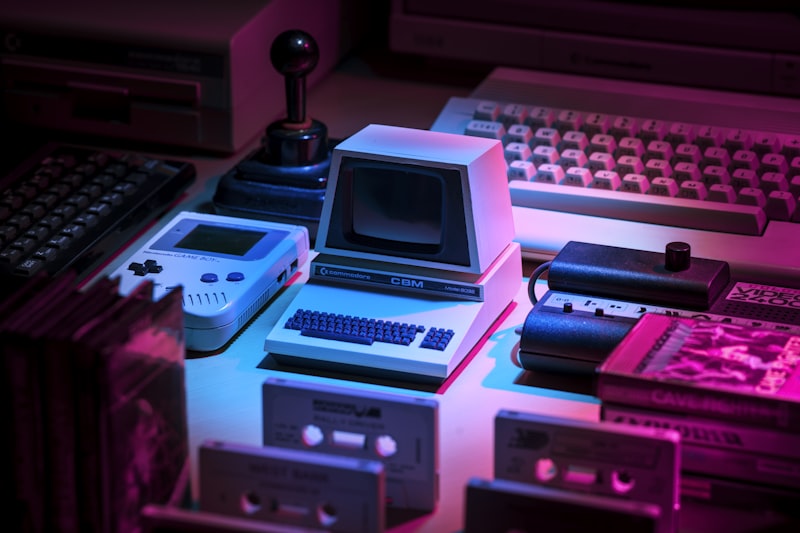
Adjust timing to make motion feel calmer, snappier, or just right.
Everything You Need for Flexible GIF Speed Control
GIFSpeedChanger.com helps you tune how an animated GIF plays — without timelines, layers, or complicated settings. You focus on the feel of the motion; the GIF speed changer handles the timing.
Simple Speed Adjustment
Change playback timing in a clear, guided workflow designed only for GIFs.
Faster Playback
Create energetic loops for highlights, reactions, and short social visuals.
Slower Playback
Slow motion down to show detail and make animation easier to follow.
Practical GIF Editing
A focused experience for one task: getting GIF timing right for your project.
GIF Speed Changer Capabilities
Six focused capabilities that keep GIF speed editing clear and useful.
Adjust GIF Playback Speed
Change how fast or slow an animated GIF plays to match your page, post, or presentation.
Make GIFs Faster
Speed up loops for energy, emphasis, and punchier visual rhythm.
Slow Down GIFs
Create calmer, more deliberate motion when clarity matters.
Simple Workflow
Choose a GIF, set the feel, preview, and use your result — no complex editor.
Creative Flexibility
Experiment with pacing to change mood from playful to smooth to dramatic.
GIF-Focused Experience
Every step is centered on animated GIF timing — nothing extra to learn.
Control GIF Playback Speed
Timing changes how a GIF feels. A slightly faster loop adds excitement; a slightly slower loop adds clarity. The GIF speed changer lets you tune that timing so the animation supports your message instead of distracting from it.
- Tune pacing for posts, pages, and slides
- Keep loops smooth and natural
- Match motion to your content rhythm
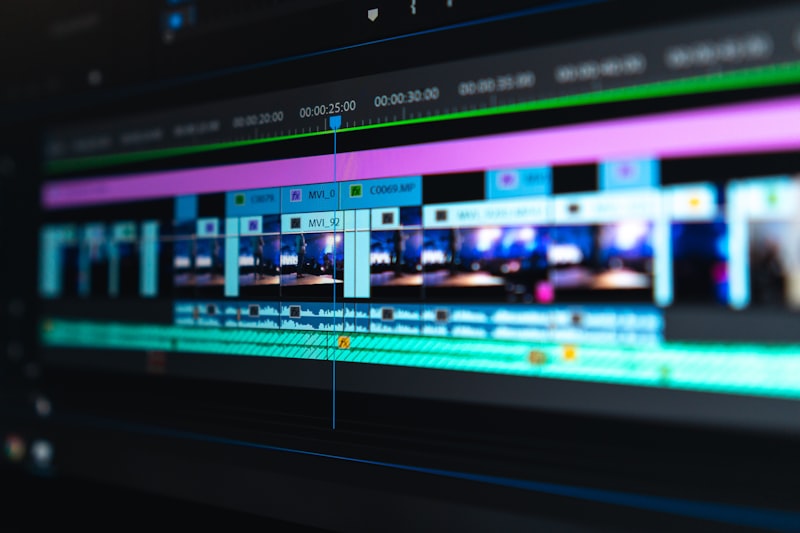

Create Faster GIF Playback
Faster playback works well when you want energy — product highlights, quick reactions, teasers, and eye-catching social loops. Shorten dwell time on each frame to make the action feel snappier.
- Great for highlights and reaction GIFs
- Adds energy to social feeds
- Keeps short loops punchy
Slow Down Animated GIFs
Slower playback gives viewers time to follow the action. Use it for tutorials, step-by-step visuals, subtle motion backgrounds, or any GIF where detail would be lost at full speed.
- Emphasize motion and detail
- Create a calmer viewing feel
- Make instructions easier to follow


Keep GIF Editing Simple
No timelines to master and no software to install. The workflow stays focused: pick your GIF in the existing tool, adjust the speed feel, preview the timing, and use the result in your project.
Features Designed Around Real GIF Editing Needs
Small timing changes create a big difference in how a GIF communicates.
Standard pacing
Default timing may feel rushed or too slow for your layout.
Tuned to your content
Better timing, more control, and motion that fits your message.
- More control over GIF playback
- Better timing for visual content
- Easier customization without complexity
- Flexible results for creative projects
What Better GIF Timing Gives You
Better Visual Timing
Adjust playback to match the purpose of the animation and the rhythm of your page.
More Creative Control
Try faster or slower speeds to change the mood without re-creating the GIF.
Simple Workflow
Stay focused on speed adjustment without extra editing tools getting in the way.
Useful Across Projects
Adapt the same GIF style for blogs, social posts, slides, and digital designs.
Where GIF Speed Control Can Help

Content Creators
Adjust animated content for creative projects and channel visuals.

Bloggers & Website Owners
Prepare GIFs that match the pacing and feel of your articles and pages.

Social Media Users
Tune animation timing so loops stand out in fast-moving feeds.
Designers
Fine-tune GIF playback for mockups, portfolios, and digital visuals.
Marketers
Prepare animated content with playback timing suited to campaigns and landing pages.
Ready to Change Your GIF Speed?
Use the GIF speed changer to adjust animated GIF playback for your next creative or digital project.
Questions About GIF Speed Changer Features?
A GIF speed changer adjusts how fast or slow an animated GIF plays so the timing fits your project.
Yes. Increase playback speed in the existing tool for a more energetic, snappier loop.
Yes. Slower playback helps emphasize motion and makes animation easier to follow.
Different contexts need different pacing — social posts, blogs, presentations, and creative work all benefit from tuned timing.
Social content, blog visuals, website graphics, presentations, and creative animations where timing matters.
Need help? Contact support@gifspeedchanger.com · Contact page
Give Your GIFs the Right Playback Speed
Adjust GIF playback speed for a better fit across your creative and digital projects.